


Our Cabinetry Products
Online Ordering
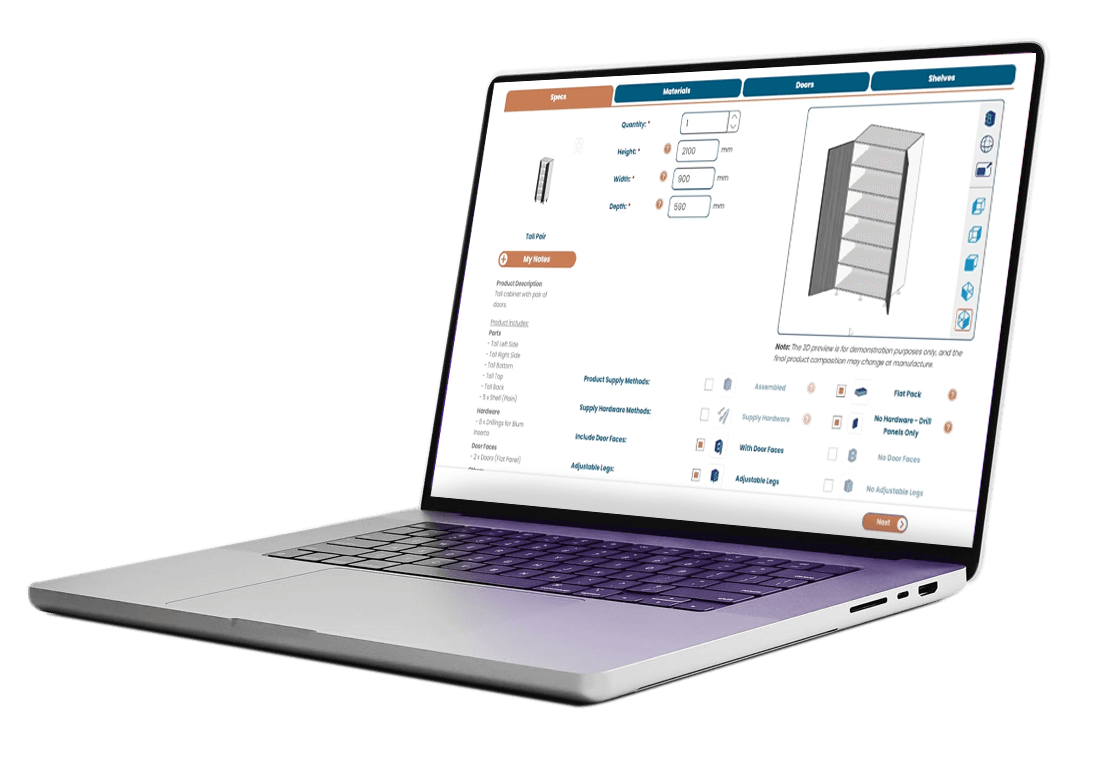
Easy 3D Design Tool
Free design software to configure your cabinets with 3D preview.
Instant Pricing
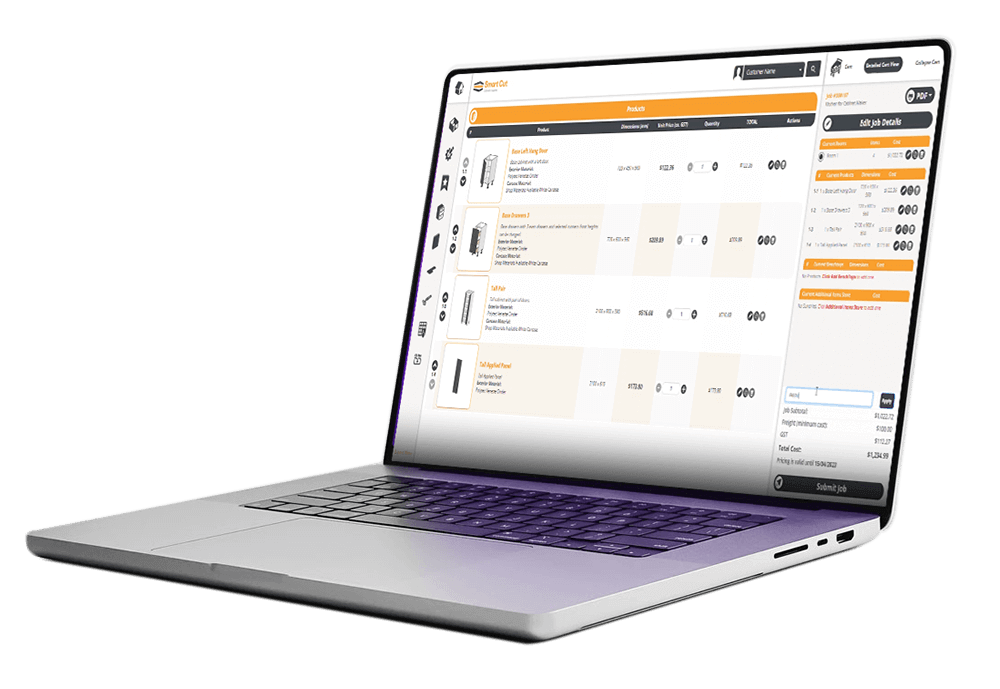
Know exactly what a job costs before you submit your order. No surprises.
Precision Manufacturing
Your panels and drawers are precision cut and drilled by CNC.
Fast Delivery
Fast-turnaround, delivery direct to your job site or workshop.
Our Secure Online Cabinetry Ordering Portal is your gateway to job efficiency.
Explore and customise a wide range of cabinet options, modify colours, adjust dimensions, and refine specifications, all with the benefit of real-time pricing.
Once complete, projects can be effortlessly submitted for production, ensuring a smooth process from start to finish. EXACT SIZING, INSTANT QUOTING. 24/7 ONLINE ACCESS FOR FREE!
Check out our library of “how-to” videos here to see how easy the SmartCut software is.
3D Room Planner - Walkthrough
Your simple introduction to the 3D Room Planner.
- Creating and editing your room
- Adding products
- Basic controls
- Edit room defaults
- Change your view
3D Room Planner - Basic Controls – Part 1
A look at the basic product controls and changing materials in the 3D Room Planner.
3D Room Planner - Basic Controls – Part 2
Reposition your product in the 3D Room Planner.
3D Room Planner - How to Navigate
This is paragraph text. Click it or hit the Manage Text button to change the font, color, size, format, and more. To set up site-wide paragraph and title styles, go to Site Theme.
3D Room Planner - Keyboard Shortcuts
Streamline your process using the keyboard shortcuts in the 3D Room Planner.
3D Visualiser
Smart Cut are thrilled to introduce a groundbreaking advancement in cabinet customisation – the revolutionary 3D Product Visualiser!
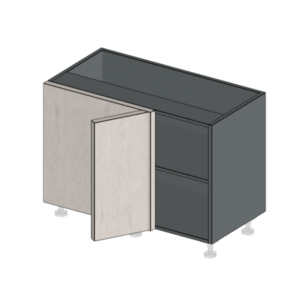
Preview every detail – The revolutionary 3D Product Visualiser lets you tailor every detail and visualise cabinet changes in real-time. Order with confidence and precision!
Interactive, dynamic experience: View, rotate, and zoom-in on a 3D image of your selected cabinet, dynamically adjusting to any of your specifications.
Transparency of changes: See the impact from your product choices and changes. Not sure what a particular setting will do? Instantly visualise it.
Have confidence in your order: Avoid surprises. Get a clear visualisation of what you will receive.
Huge Cabinet Library
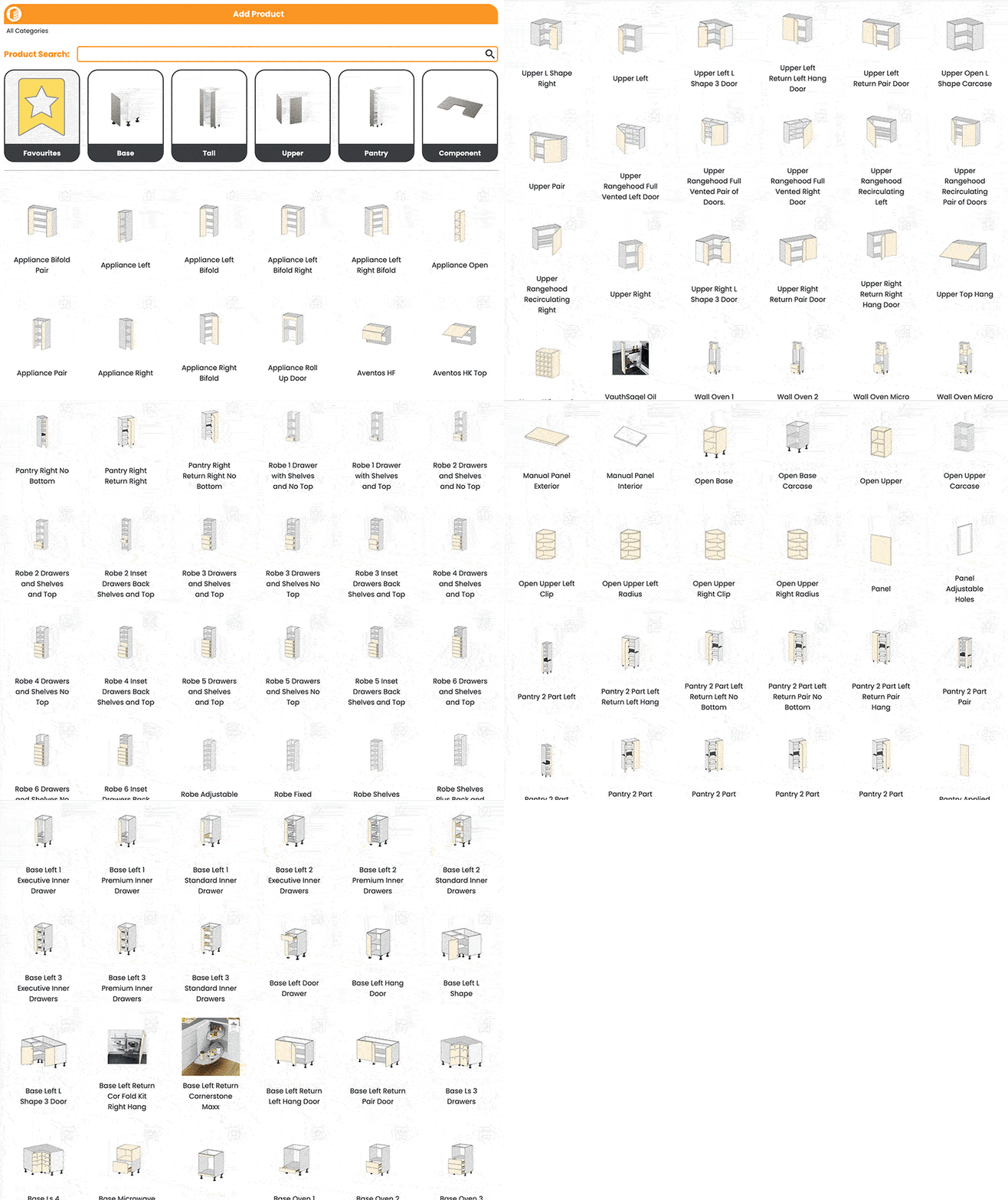
Select from a huge cabinet library then modify to suit your needs.
Experienced users of the portal can save jobs as templates and even discover tricks to produce all types of abstract cabinetry.
Simple Ordering Process
Forget handwritten order forms, our system makes what was once a complicated task very simple. Custom drawer sizes, specific shelf placement, finger pull cut outs, Complex vinyl profiles, benchtops are all easily entered – with instant pricing for all.
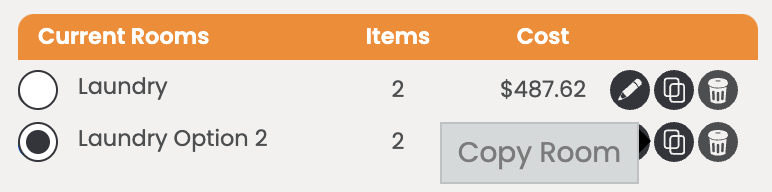
Jobs can be broken down into rooms to keep ‘like’ components grouped together. Room defaults can be set to speed up your data selection.
An entire job can be duplicated - so too can a room within a job, or even a product within a room. Copying jobs is a good way to create comparisons (and compare prices instantly) of different finishes and options.
Hardware Options
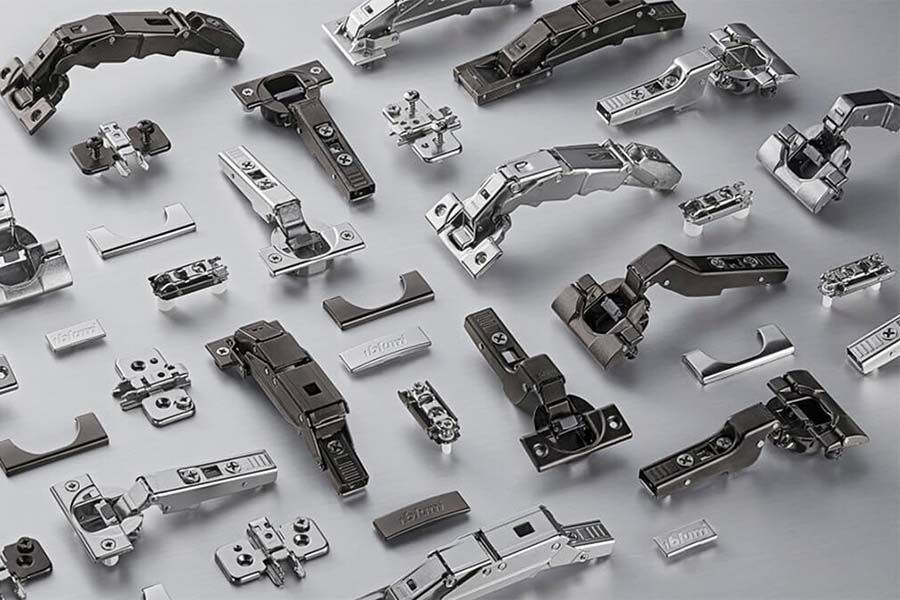
We offer the convenience of being able to include cabinetry hardware across all products in your order. Hinges, drawer runners, handles and more.
Some of our customers choose to stock their hinges for example but we supply their drawer hardware.
Fully Customisable
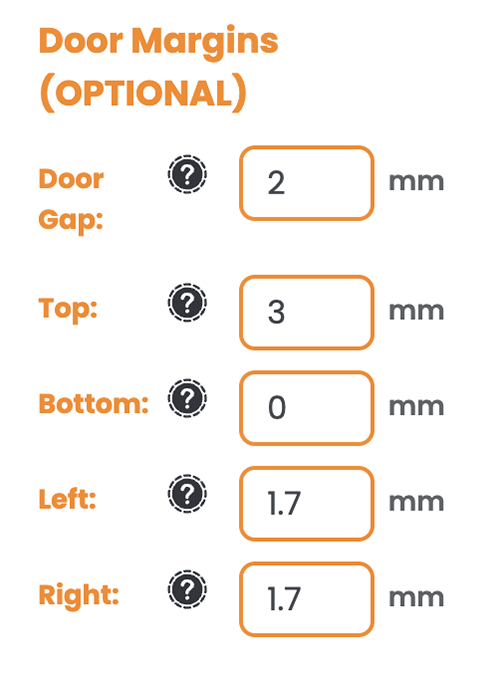
Door and drawer margins are fully customisable.
They can also be set as a negative if required.
A graphic on the screen will update as you make these changes so you can see exactly what is physically changing.
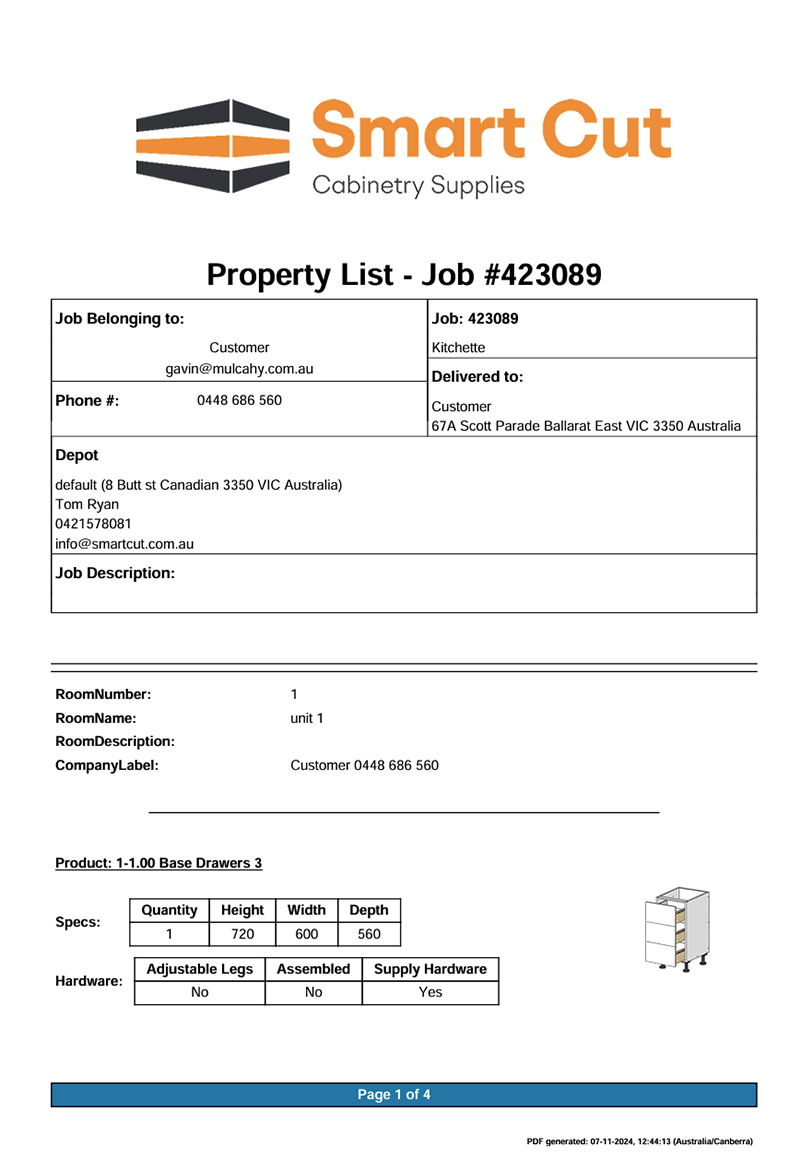
You can also always refer to your ‘Order Spec PDF’ to check all your selections are what you intended.
This document, which is automatically produced with your order, can be helpful for assembly and installation. It contains detailed information regarding product sizes, colours, number of shelves, drawer heights and depths, margins and inclusion of hardware.
Materials
A stylistic view of material selections applied to both cabinet carcase and doors/drawer faces.
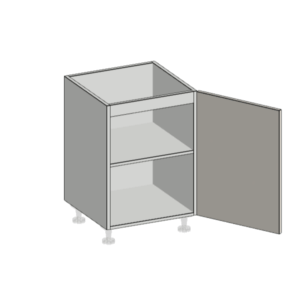
Cabinet Tops
Clearly display the different top selections and their impact on the cabinet design.
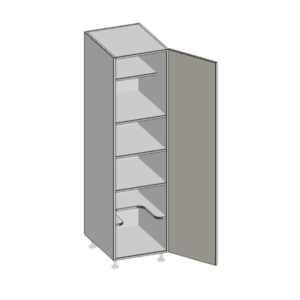
Shelf Details
Visualise shelf quantities, setbacks and positions to give a real-time understanding of the cabinet composition.
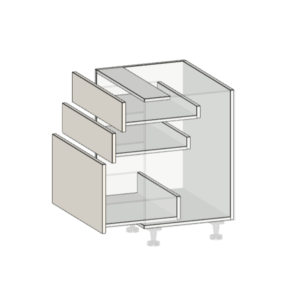
Drawers
Get interactive visuals of drawer face heights, drawer runner heights and depths.
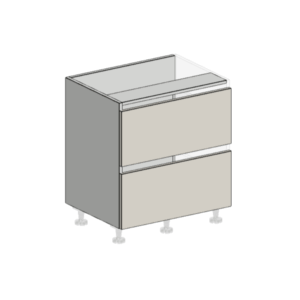
Margins
Clearly see drawer face and door margins being applied, e.g. for finger pulls.
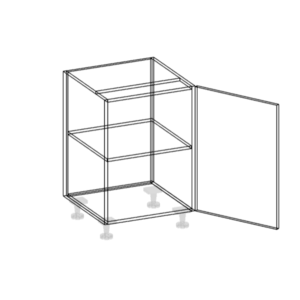
Wireframe
Switch into a wireframe view for a closer inspection of finer details.
Save time and money.
Team up with Smart Cut.
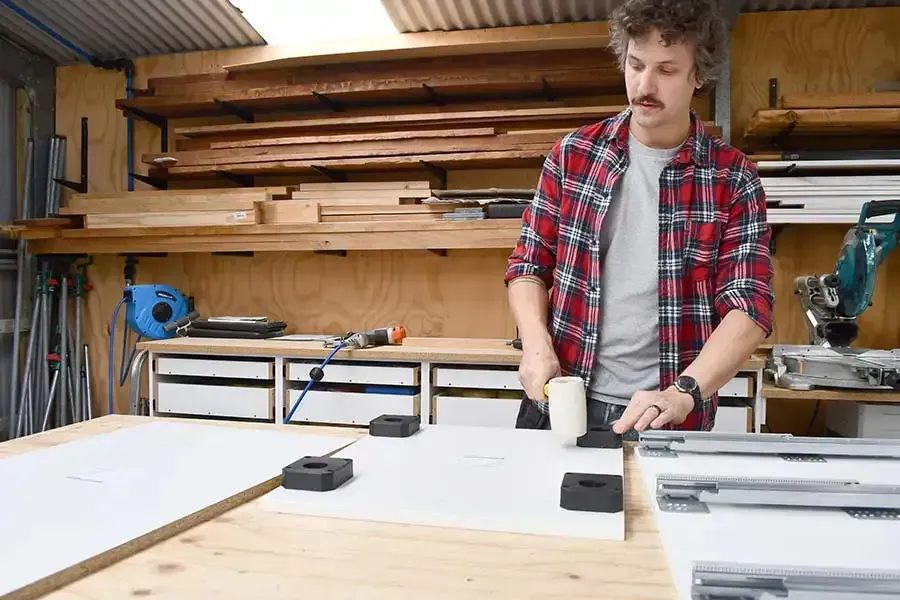
By using Smart Cut, you can significantly reduce your overheads, or take on more work with your current team. Smart Cut cabinet makers can increase capacity during busy times without the need to buy or upgrade large, expensive equipment or put on extra staff members.
Give us a try today!